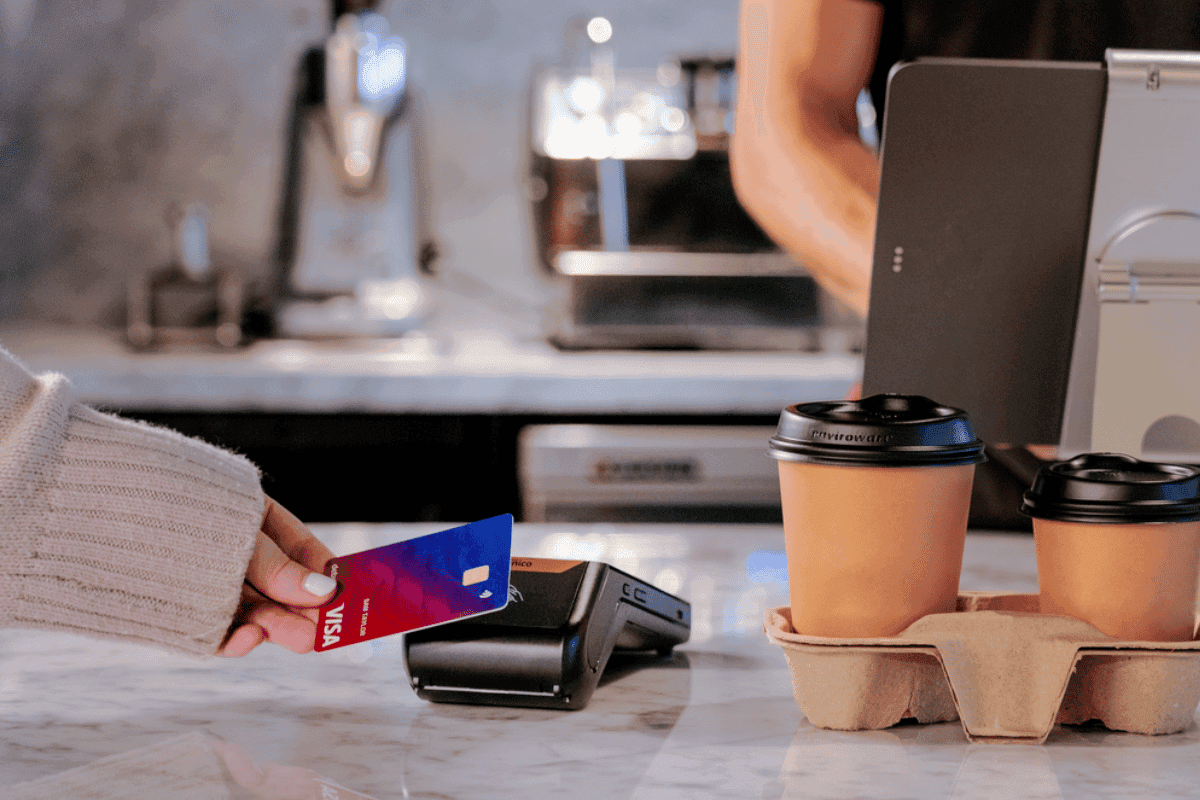
Pair your EFTPOS terminal using Linkly
Follow the below instructions to pair your EFTPOS terminal with Pretzel POS software using Linkly:
Obtain your Linkly username and password from your acquirer (who provided you with the EFTPOS terminal), tell them you would like to link your Pretzel POS software using Linkly Cloud.
Once you have your credentials, in Pretzel POS, go to the "Settings" tab at the bottom left and select "Linkly Settings".
To enable Pretzel POS for EFTPOS transactions turn on EFTPOS using the slider so its green.
Tap on "Pair" button.
Enter the credentials the bank gave you and tap "update credentials".
On your eftpos terminal follow the terminal guide to setup pairing (this can be obtained from your bank, usually a function key and a set of 4 numbers), the terminal should display a paring code.
Enter the username, password and pairing code from the terminal into Pretzel POS and tap "Pair Terminal".